Start here
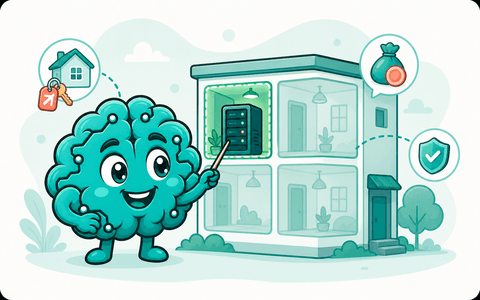
What is a server, really?
A small computer you rent for a few euros a month. What it costs, who rents it out, and what you get.
 Sign up / Log in Soon
Your assistant runs on a small server that's yours, powered by Hermes or OpenClaw. You keep your passwords and chats; we keep it healthy.
How it works
It really is your own assistant, on a server that's yours. Privacy is built in, and once it's running we keep an eye on it so you don't have to. If you can follow a recipe, you can do this.

A cheap server from a mainstream provider, about the price of two coffees a month. We point at exactly the one to pick, in plain words.
See the exact steps
Copy one command into your provider's web console, like a single step on a recipe card, and your assistant installs itself. Your passwords and AI logins stay with you, never with us.

Talk to your assistant from your phone. We keep an eye on the server and tell you, in plain words, before anything needs you. The final call is always yours.
Built around the companies and projects we love
 Hostinger
 OpenClaw
 Hermes
 OpenAI
 Anthropic
 Gemini
 Grok
GrokWe work with Hostinger
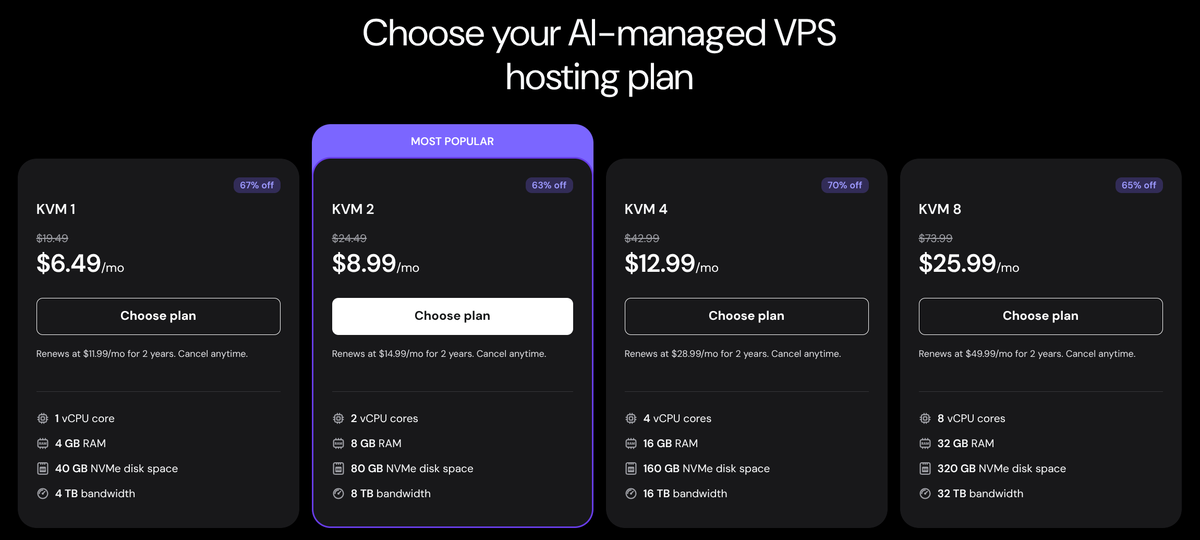
These are real screenshots from us setting up a server the same way you will. The plan to pick is called KVM 2, and the whole thing takes about ten minutes, most of it waiting.

Step 1 · Order the server
On Hostinger's VPS page, choose KVM 2, then check out. When it asks which operating system you want, pick Ubuntu 24.04.
Step 2 · Set one password
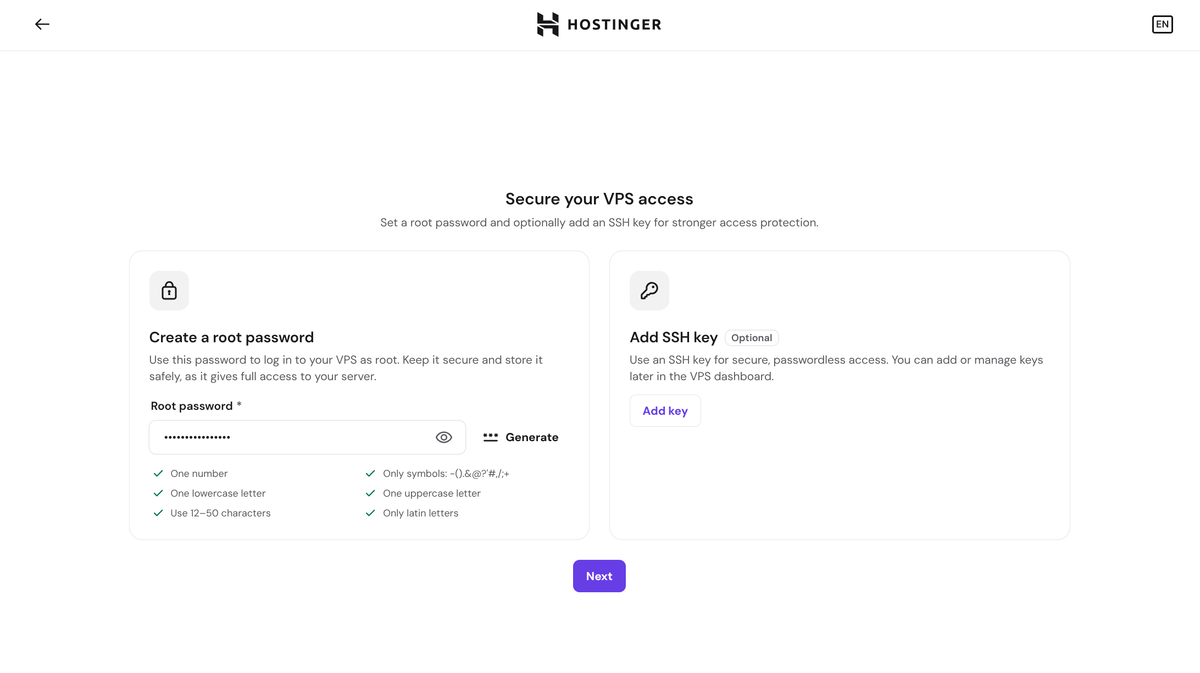
The setup wizard asks for a root password: click Generate and save it somewhere safe, like a password manager. You can skip every optional extra. Then Hostinger builds your server, which takes about three minutes.
Step 3 · Paste your command
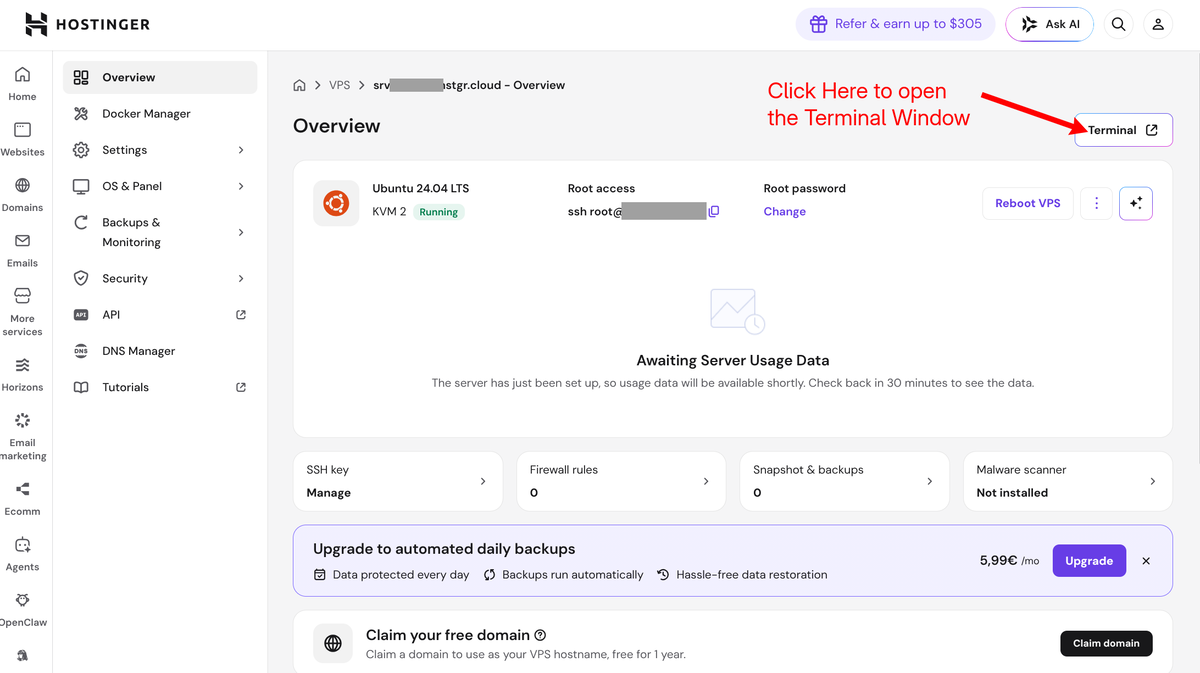
Create your free account at app.smarterbrain.ai (coming soon) and it gives you a personal one-line command, like the example below but with your own pairing code. Then, on your server's Overview page, click Terminal in the top-right corner: it signs you in by itself, no password asked. Paste your command and your assistant installs itself. Your password and AI logins never leave your hands.
curl -fsSL https://smarterbrain.ai/smarter.sh | bash -s -- --enrol YOUR-CODE
An example only: your account gives you the real one, and the code inside it works for 10 minutes.
Any cheap Ubuntu server works. But your AI assistant will live on it, so pick a provider you trust with your data: Hostinger is the one we test on and recommend.
Knowledge base
A small computer you rent for a few euros a month. What it costs, who rents it out, and what you get.
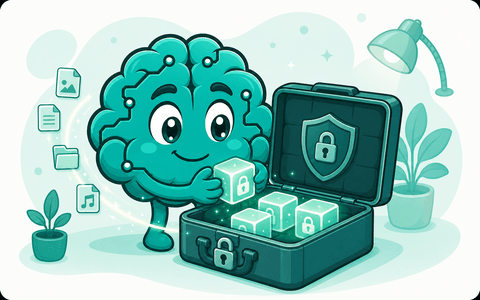
How encrypted backup works in plain words: one password, kept by you, never by us.
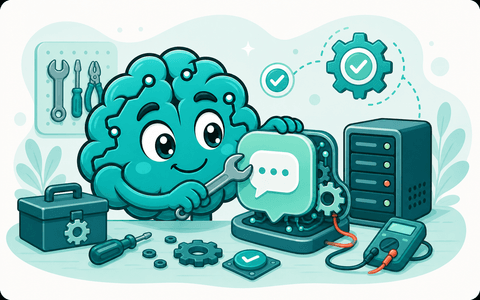
What an AI assistant actually is, what it's good at, and how to ask it for help.
Your privacy
Your assistant lives on your own server. We see whether it's healthy, never your conversations and never your passwords, and you can switch us off anytime.
smarterbrain.ai gives you friendly guidance and tools to run your own AI assistant on your own server. We guide, watch, and warn; we never hold your passwords and we never take control of your server, so we can't be responsible for a breach, data loss, or outage on your systems. The final call is yours, always, so keep your own backups. Nothing here is professional security advice.
Create your account, get your personal setup command, and check that we can see your server before you decide what to turn on next.
A quick note on cookiesWe use essential cookies to make the site work, plus optional privacy-friendly analytics that we only turn on if you say yes. You can keep it to essentials any time. Learn more